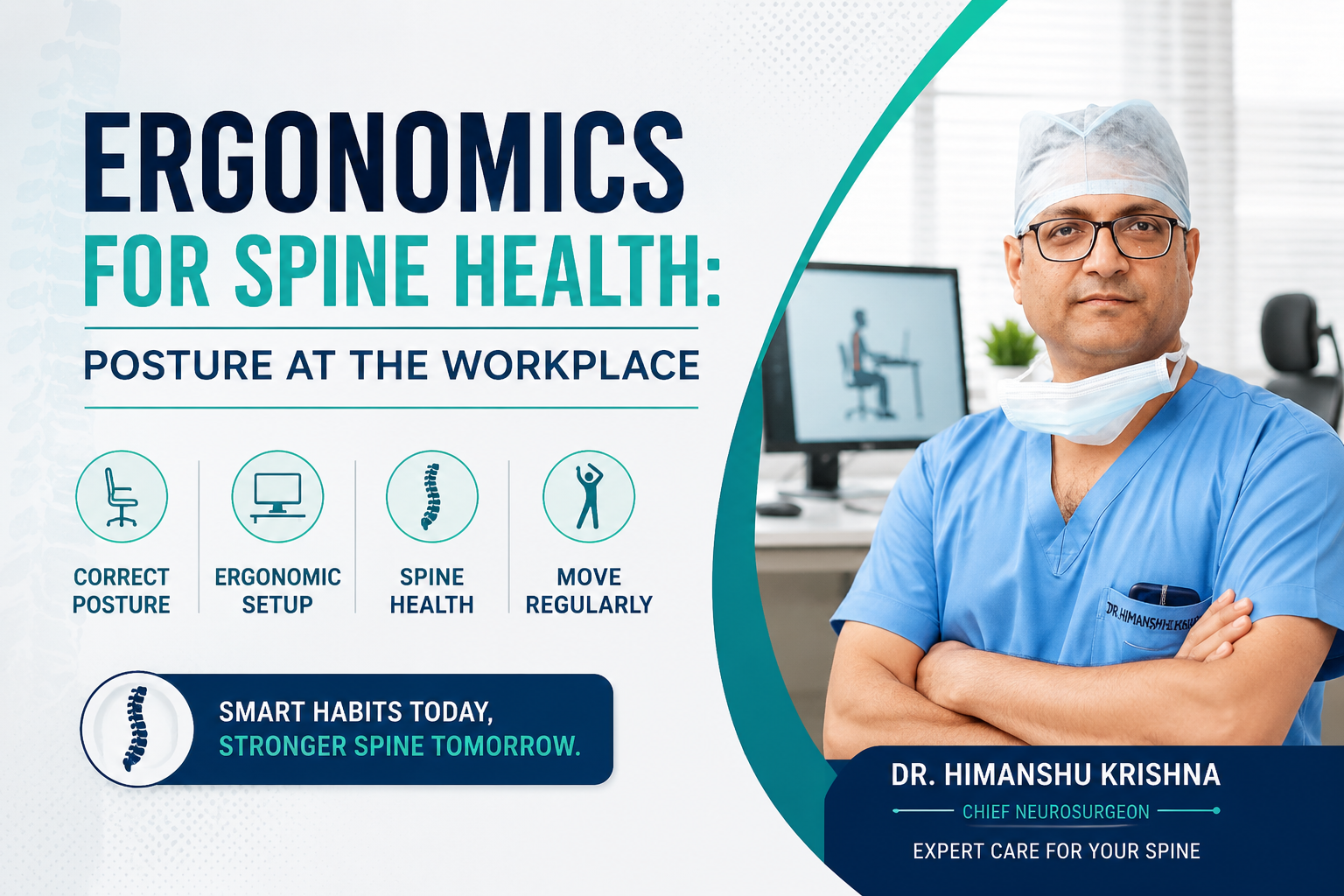
Ergonomics for Spine Health: Posture at the Workplace
Published on July 11, 2026
The Modern Back Pain Epidemic
Modern work has transformed the way we live, but it has also created a growing health concern—poor posture. Millions of professionals spend 8–10 hours every day sitting at desks, working on laptops, or looking down at smartphones. Over time, these habits place excessive stress on the spine, muscles, and joints, leading to chronic neck pain, back pain, shoulder stiffness, and even nerve-related symptoms.
Poor workplace ergonomics is now one of the leading causes of spinal discomfort worldwide. The good news is that many of these problems are preventable with simple ergonomic adjustments and healthy daily habits.
Whether you work from an office, home, or study for long hours, understanding proper posture can significantly reduce your risk of spine-related problems.
What Is Ergonomics?
Ergonomics is the science of designing a workspace that fits the human body. The goal is to reduce unnecessary strain on muscles, joints, ligaments, and the spine while improving comfort, productivity, and long-term health.
A properly designed workstation helps maintain the natural alignment of your spine, allowing your muscles to work efficiently without excessive fatigue.
Good ergonomics isn't just about buying an expensive chair—it involves your sitting posture, monitor position, keyboard placement, desk height, lighting, and even how often you move during the day.
Why Good Posture Matters for Spine Health
Your spine naturally has three gentle curves that help distribute body weight evenly.
Poor posture gradually disrupts these curves, causing excessive pressure on the vertebrae, spinal discs, muscles, and ligaments.
Over time, this may contribute to:
- Chronic neck pain
- Upper back stiffness
- Lower back pain
- Muscle fatigue
- Tension headaches
- Shoulder pain
- Wrist discomfort
- Reduced mobility
- Early disc degeneration
Maintaining proper posture protects these spinal structures and reduces unnecessary wear and tear.
Common Signs of Poor Ergonomics
Many people ignore early symptoms until they become severe.
Watch for these warning signs:
- Persistent neck stiffness
- Lower back pain after sitting
- Shoulder tightness
- Tingling or numbness in the hands
- Frequent headaches
- Rounded shoulders
- Forward head posture
- Difficulty sitting comfortably for long periods
- Reduced concentration due to discomfort
These symptoms often indicate that your workstation needs improvement.
How to Set Up an Ergonomic Workstation
A properly arranged workspace can dramatically reduce spinal stress.
Chair Position
Choose a chair that supports the natural curve of your lower back.
Your chair should allow:
- Feet flat on the floor
- Knees bent at approximately 90°
- Hips slightly higher than knees
- Lower back fully supported
- Shoulders relaxed
If your feet do not reach the floor comfortably, use a footrest.
Desk Height
Your desk should allow your elbows to remain close to your body at roughly a 90-degree angle.
Avoid raising your shoulders while typing.
Your wrists should remain straight rather than bent upward.
Monitor Placement
Your computer monitor should be:
- At eye level
- About an arm's length away
- Positioned directly in front of you
- Slightly tilted backward
Looking down for hours significantly increases pressure on the cervical spine.
Keyboard and Mouse
Keep both close to your body.
Avoid reaching forward repeatedly.
Your wrists should remain in a neutral position while typing.
Consider using ergonomic keyboards or wrist supports if necessary.
The 20-20-20 Movement Rule
One of the simplest habits for preventing workplace-related spine problems is taking regular breaks.
Every 20 minutes:
- Look away from the screen for 20 seconds.
- Stand up.
- Stretch your neck.
- Roll your shoulders.
- Walk a few steps.
- Reset your posture.
Even small movement breaks improve blood circulation and reduce muscle fatigue.
Best Sitting Posture for Office Workers
Follow these posture guidelines throughout the day:
✓ Sit all the way back in your chair.
✓ Keep your back supported.
✓ Relax your shoulders.
✓ Keep your chin parallel to the floor.
✓ Avoid crossing your legs for long periods.
✓ Keep both feet planted firmly.
✓ Distribute your body weight evenly.
✓ Avoid leaning toward your monitor.
Good posture should feel natural—not forced.
Laptop Users: Common Mistakes
Many professionals work directly on laptops, which often encourages poor posture.
Common mistakes include:
- Looking down continuously
- Hunched shoulders
- Rounded upper back
- Unsupported wrists
- Working from beds or couches
If you frequently use a laptop, consider:
- A laptop stand
- External keyboard
- External mouse
- Ergonomic chair
These simple upgrades greatly improve spinal alignment.
Smartphone Posture Matters Too
Office ergonomics doesn't stop at the desk.
Looking down at smartphones for prolonged periods places significant stress on the neck—a condition commonly known as Text Neck Syndrome.
To reduce strain:
- Hold your phone closer to eye level.
- Avoid prolonged scrolling.
- Take regular breaks.
- Stretch your neck throughout the day.
Stretching Exercises for Office Workers
Simple stretching can prevent stiffness and improve flexibility.
Consider performing:
- Neck rotations
- Shoulder rolls
- Chest-opening stretches
- Standing back extensions
- Hamstring stretches
- Hip flexor stretches
- Wrist stretches
Just 5–10 minutes of stretching each day can make a noticeable difference.
Can Poor Posture Cause Disc Problems?
While poor posture alone may not directly cause a slipped disc, it significantly increases pressure on spinal discs.
Over time, this additional stress can accelerate:
- Disc degeneration
- Muscle imbalance
- Joint stiffness
- Nerve irritation
Individuals with existing spinal conditions should be especially careful about maintaining proper ergonomics.
Ergonomics for Remote Workers
Working from home often creates new ergonomic challenges.
Avoid working for long periods from:
- Beds
- Sofas
- Dining chairs without support
Instead, create a dedicated workspace with:
- Proper chair support
- Correct desk height
- External monitor if possible
- Adequate lighting
- Comfortable keyboard and mouse setup
Your spine benefits greatly from a well-designed home office.
When Should You See a Spine Specialist?
While most posture-related discomfort improves with ergonomic corrections and exercise, persistent symptoms should never be ignored.
Consult a spine specialist if you experience:
- Pain lasting more than 4–6 weeks
- Numbness or tingling
- Pain radiating into the arms or legs
- Muscle weakness
- Difficulty walking
- Loss of balance
- Severe neck or back pain after an injury
Early evaluation can help identify underlying spinal conditions before they become more serious.
Tips for Maintaining a Healthy Spine Every Day
Small habits can make a big difference.
Try to:
- Maintain proper sitting posture.
- Stay physically active.
- Stretch throughout the day.
- Strengthen your core muscles.
- Lift objects correctly.
- Stay hydrated.
- Sleep on a supportive mattress.
- Avoid sitting continuously for long periods.
- Exercise regularly.
Consistency is far more important than perfection.
Frequently Asked Questions
Can poor posture permanently damage the spine?
Poor posture over many years can contribute to disc degeneration, chronic pain, and muscle imbalance. Early correction helps prevent long-term problems.
What is the ideal sitting position?
Sit with your back fully supported, feet flat on the floor, knees at 90 degrees, shoulders relaxed, and monitor at eye level.
How often should I stand while working?
Experts recommend standing or moving every 20–30 minutes to improve circulation and reduce spinal stress.
Can ergonomics reduce neck pain?
Yes. Proper monitor height, chair support, and workstation setup significantly reduce neck strain for most office workers.
Is an ergonomic chair necessary?
A supportive chair helps, but posture, movement, and proper workstation setup are equally important.
Dr. Himanshu Krishna
Chief Neurosurgeon & Head of Neurosurgery & Spine